
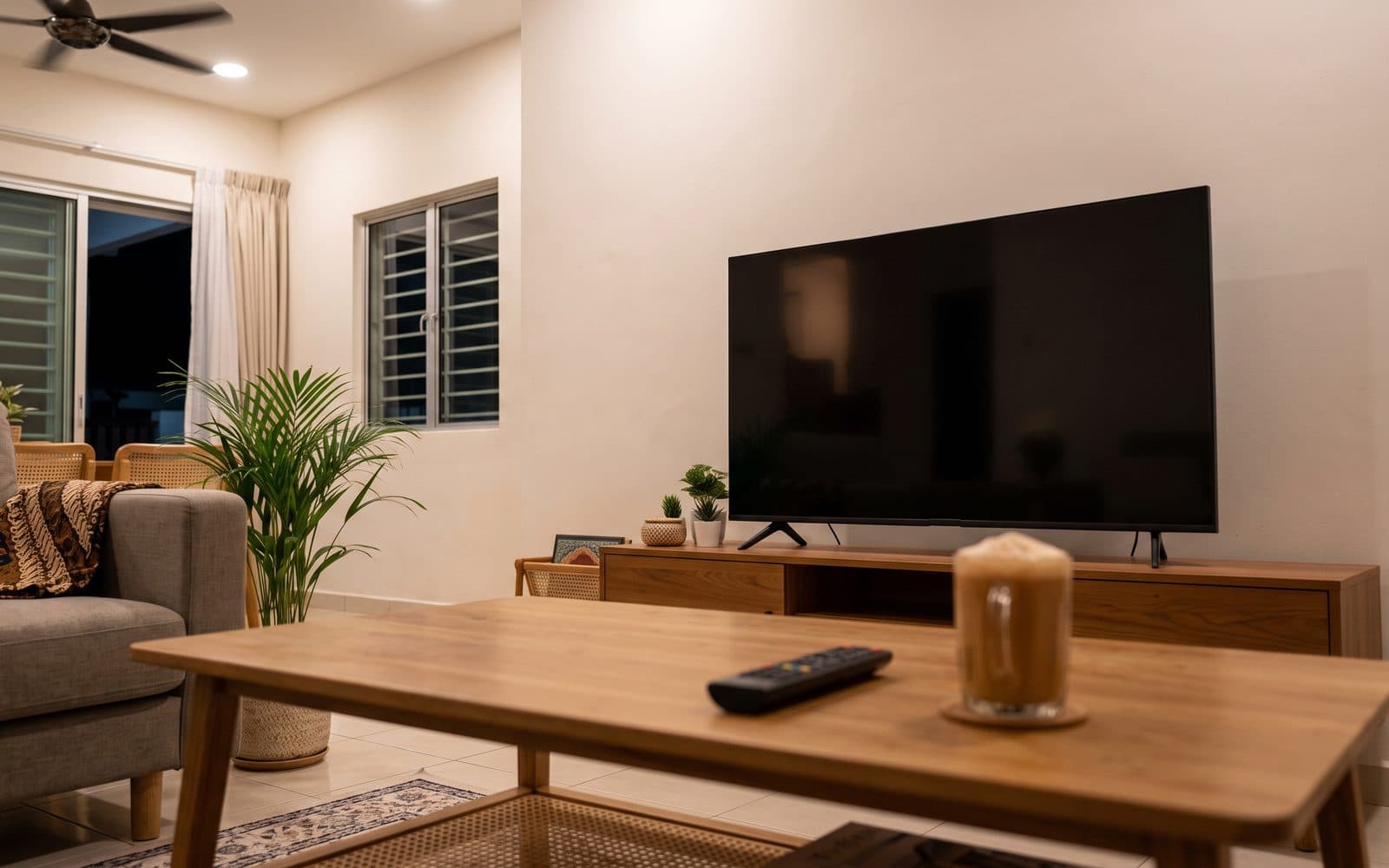
You can hear every word of the drama, but the screen is black. It is one of the TV problems we hear about most at Tanradio, and it is not always bad news.
Sound tells you the TV has power and is working. A picture needs more: a signal from your Astro box or other device, the panel that forms the image, and — on the LED, QLED and Mini LED TVs most homes have — a backlight of LEDs behind the panel that lights it up. The checks below go from the outside in. None of them involve opening the TV. (OLED TVs have no backlight, so skip the torch test on those.)
Safe Checks You Can Do Yourself, In Order
1. Is it the TV, or the box?
Pick up the TV's own remote, not the Astro or set-top box remote, and press Home, Menu or a volume button. If the menu or volume bar appears, the screen works — Samsung and LG both use this as the first test. The problem is what is plugged in.
Make sure the TV is on the right input (HDMI 1, HDMI 2 and so on) for the port your box uses, and that the box itself is on. Restart the box: switch it off at the wall, wait a few seconds and switch it back on. On a smart TV, open a built-in app such as YouTube — if it plays with a picture, the TV is fine.
2. Power-cycle the TV
Turning it off with the remote only puts the TV on standby. Switch off at the wall socket, unplug it and wait at least a minute — TCL and Hisense both say 60 seconds — then plug it back in and switch on.
3. Reseat or swap the HDMI cable and port
A loose or damaged HDMI cable can carry sound without a picture. Unplug it at both ends and push it back in firmly. Then try a different HDMI port on the TV, and another HDMI cable if you have one. Some newer TVs can test the cable themselves; your user manual will say if yours can.
4. Check picture-off and energy-saving settings
Many TVs have a feature that turns the screen off and keeps the sound playing — handy for music, confusing if it gets switched on by accident. Samsung calls it Picture Off; LG calls it Screen Off. On both, pressing any button except power or volume brings the picture back. Strong energy-saving modes can also make the picture very dim.
The name and menu differ by brand and model, so look it up in your user manual or on the brand's support page for your model.
5. Do the torch test
This tells you roughly where the fault is. Darken the room, leave the TV on with sound playing and hold your phone torch a few centimetres from the screen, at an angle. Do not press it against the screen. Look closely for faint shapes, faces or a menu.
- A faint picture is there: the panel is making the image but nothing is lighting it. The backlight, or the board that powers it, has likely failed.
- Nothing at all: the fault may be a board, such as the mainboard, or the panel itself.
It is a rough check that does not name the exact part. Either way, it is now a job for a technician.
6. Update the software, if the menu shows
If you can reach the settings menu — say the picture goes black only in some apps or on one input — look for a software update in the settings, and leave the TV on until it finishes. Each brand runs its own system; our smart TV vs Google TV guide explains the difference.
Signs It Needs a Technician
- The torch test shows a faint picture.
- Nothing shows at all, not even the TV's own menu, after all the checks.
- The picture flashes on and goes dark again, or half the screen is dark.
- A burning smell, smoke or clicking, or the breaker trips.
- The screen is cracked or was knocked.
Backlights, power boards, mainboards and panels are all technician work. Please do not take the back cover off, try to replace LED strips or reseat the panel cables yourself. Besides the shock risk, most brands do not cover a TV opened or repaired by someone they have not authorised.
Panel replacement is often the costliest TV repair. If that is the verdict, ask for a quote first and decide from there.
When to Call Us
A backlight, board or panel failing on its own is what the warranty is for. A cracked or knocked screen is physical damage, which most brand warranties do not cover.
If you bought the TV from Tanradio — at one of our showrooms or on Shopee or TikTok Shop — and it is still under warranty, use our online warranty claim form. Have these ready:
- Your order number or receipt
- The model and serial number, from the sticker on the back of the TV
- The full address and postcode where the TV is
- What happens: whether the menu shows, what the torch test showed, and which checks you have done
A short phone video of the torch test helps a lot. You get a tracking number to follow the repair. Some brands handle warranty repairs through their own service centres; when that applies, we pass your details on and keep following up.
Out of warranty? WhatsApp us or drop by your nearest Tanradio branch — from Johor Bahru to Kluang — with the model and what you have tried, and we will talk you through the options; our services page covers what we do after the sale. If it is time for a new set, see the Hisense and Sharp TVs we sell.
Frequently Asked Questions
Why does my TV have sound but no picture?
Often the TV is fine and the problem is the box or the input: a set-top box that is off, the wrong HDMI input, or a loose cable. A setting that turns the screen off but keeps the sound can do it too. If even the TV's own menu does not show after the checks, the cause is usually inside — the backlight, a board or the panel.
How do I know if my TV backlight is broken?
Do the torch test. Darken the room, leave the TV on with sound playing and shine your phone torch at the screen from a few centimetres away. If you can see a faint picture or menu, the image is there but the light behind it is not — usually the backlight or the board that powers it.
Can I replace the TV backlight myself?
Please do not. The power board and backlight circuits carry high voltage and can stay charged after the TV is unplugged. Opening the TV can also cost you the warranty, as most brands do not cover a set repaired by someone they have not authorised.
Is a TV with a black screen covered by warranty?
A part failing inside — backlight, power board, mainboard or panel — is what the warranty is for. A cracked or knocked screen is physical damage, which most brand warranties do not cover. Do the safe checks first, then file a claim.
Is it worth repairing a TV with no picture?
It depends on which part has failed and on the TV. Panel replacement is often the costliest TV repair, so ask for a quote first and decide once you know the cause.
Still a black screen?
Talk to the Tanradio team
Send us a WhatsApp with your TV model and a short video of the torch test, or drop by your nearest branch.
Sources & references
- Samsung support — Home/Menu button test, source, HDMI cable test, other devices and ports: samsung.com/us/support
- LG support — volume bar test, restart the external device, reconnect or replace the HDMI cable: lg.com/us/support
- TCL support — input, 60-second unplug, the torch (flashlight) test and what a faint image means: support.tcl.com; HDMI cable and port: support.tcl.com
- Samsung UK support — Picture Off keeps the sound and turns the screen off: samsung.com/uk/support; LG support — Screen Off plays sound only: lg.com/us/support
- Hisense user manual — input selection, unplug for 60 seconds: hisense-usa.com
- Tanradio after-sales experience across our Johor branches. Always follow the user manual for your own model.