
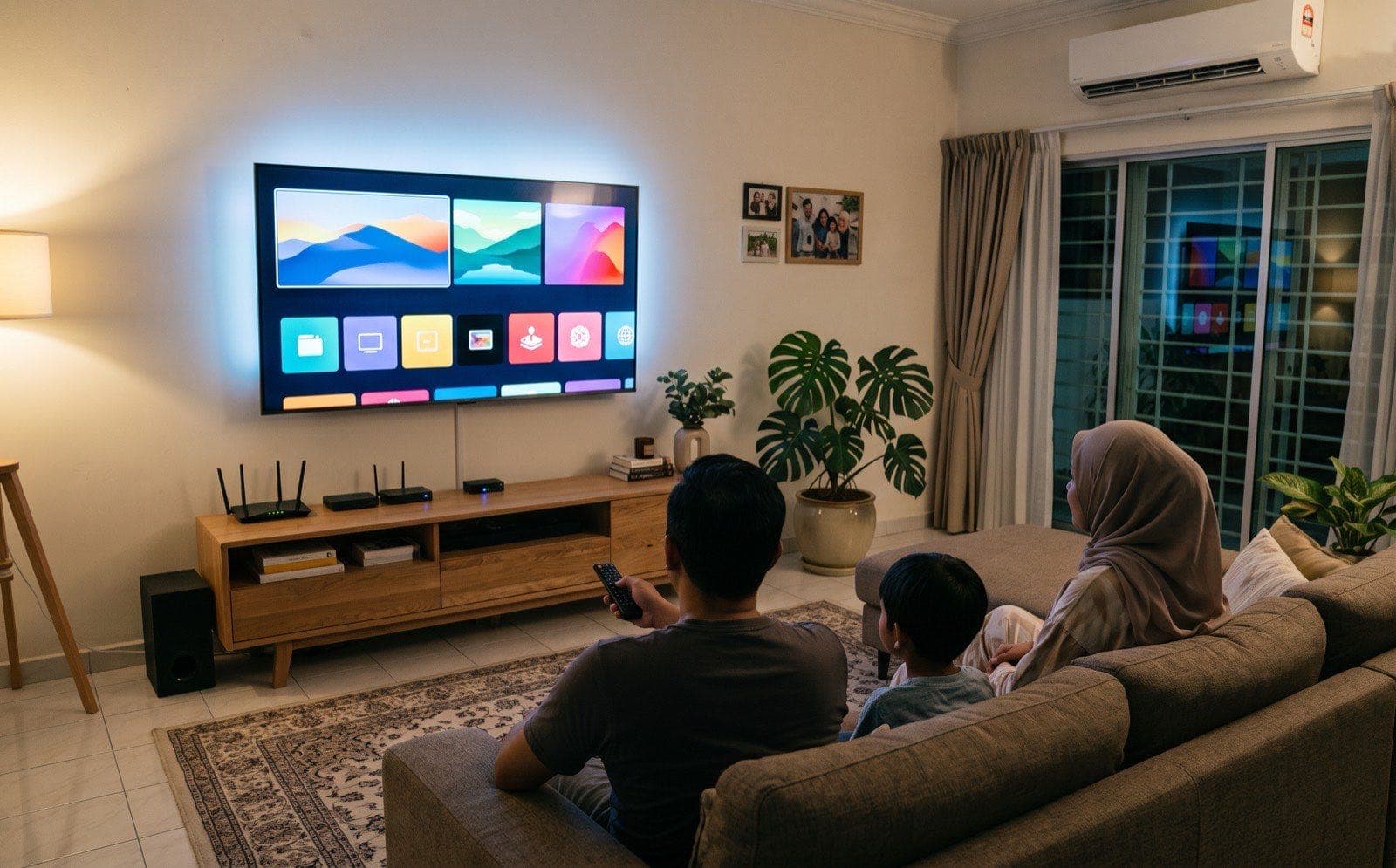
"Smart TV or Google TV?" Customers ask us this in our branches every day, and it is a fair question, because the labels make it sound like one TV is smart and the other is not. That is not the case. Google TV is a smart TV. The real choice is which smart TV system you want: the brand's own, or Google's.
The Difference in Plain Words
Think of a phone. Every phone that runs apps is a smartphone, but some run Android and the iPhone runs Apple's own system. TVs work the same way.
- Brand's own system. The TV maker builds its own: Samsung uses Tizen, LG uses webOS, Hisense uses VIDAA. In shops this is usually just called "Smart TV".
- Google TV. The TV maker uses the system made by Google, with the Google Play app store. Sony, Sharp and Haier TVs mostly run Google TV. You may also see the older name, "Android TV". Google TV is built on top of it.
Some brands make both kinds, so look at the model, not just the brand. Most of the TVs we sell run the brand's own system.
Why We Usually Recommend the Brand's Own System
For most families who watch YouTube, Netflix and local streaming, a TV with the brand's own system is simple and gives you everything you need. Three reasons:
1. Quicker in everyday use
This one comes from our staff, who switch these TVs on all day. In our branches, switching on and moving between apps is noticeably quicker on the brand's own system than on Android-based TVs. That is our hands-on experience with the models we sell, not a lab test, and you can try it yourself on the display sets.
2. Screen mirroring and AirPlay
Showing your phone's photos, videos or a video call on the big screen works well. The Samsung, LG and selected Hisense models we sell support Apple AirPlay, so an iPhone can play straight to the TV. On the official spec pages we checked, that includes the Samsung Crystal UHD U8000F and QLED Q7F, the LG UA7350 and QNED82A, and the Hisense A7Q and A6Q. Other models vary, so ask us to check yours. Android phones can share their screen too.
3. A simple home screen
The home screen is a row of your apps and inputs. Parents and grandparents find it easy to get back to YouTube or the TV channel without getting lost.
And the big apps are there: YouTube and Netflix both list Samsung, LG and Hisense smart TVs as supported devices, just like Google TV.
When Google TV Makes Sense
Google TV is the better pick if one of these is true for you:
- You need an app that is only on Google Play. Google TV uses the Google Play store, so if an app is on Google Play for TV, you can install it.
- You cast from your phone with Chromecast. Google TV has Chromecast built-in, so you tap the cast button in an app and it plays on the TV. Some other TVs support it too (recent LG models list Google Cast), so check the model.
- You live in Google's world. You use Google Assistant and your Google account every day, and want them on the TV too.
3 Questions to Help You Choose
- Which apps do you watch every week? If they are all on the TV you like, the brand's own system is enough. If one you cannot live without is only on Google Play, choose Google TV.
- What phone do you use? iPhone users: pick a model with AirPlay. If you cast with Chromecast, Google TV has it built in, and some LG models support Google Cast too.
- Who will hold the remote most? For a simple screen the whole family can use, the brand's own system. For people who like to add apps and use Google Assistant, Google TV.
Frequently Asked Questions
Is Google TV a smart TV?
Yes. Google TV is one kind of smart TV: a TV that connects to the internet and runs apps. When a shop says "Smart TV" and "Google TV", it usually means the brand's own system (such as Samsung Tizen, LG webOS or Hisense VIDAA) versus the system made by Google.
Can I watch YouTube and Netflix on a smart TV that is not Google TV?
Yes. YouTube and Netflix both list Samsung, LG and Hisense smart TVs, as well as Google TV, as supported devices. Very old TVs can lose support, but on a new TV both apps are there.
Is Android TV the same as Google TV?
Google TV is Google's newer home screen, built on top of Android TV. Apps made for Android TV also work on Google TV. If a TV says either one, it uses the Google Play app store.
Can I watch Astro GO, unifi TV or sooka on a Samsung, LG or Hisense TV?
It depends on the app and the TV model, and the list changes as apps are updated. Tell our staff which local apps you use and we will open them on the actual TV in the branch before you buy.
Can I show my phone screen on the TV?
On the models that support it, yes. Most smart TVs we sell can mirror an Android phone, and the Samsung, LG and selected Hisense models we sell support Apple AirPlay for iPhone. Google TV models let you cast from apps with Chromecast built-in, and some LG models support Google Cast too.
Not sure?
Tell us which apps you watch
Tell our staff which apps you watch — we'll show you on the actual TV in the branch.
Sources & references (checked October 2026)
- samsung.com/my — Crystal UHD U8000F: Apple AirPlay: Yes; Mobile to TV mirroring. www.samsung.com/my/tvs/uhd-4k-tv/u8000f-55-inch-crystal-uhd-4k-smart-tv-ua55u8000fkxxm
- samsung.com/my — QLED Q7F: Apple AirPlay: Yes. www.samsung.com/my/tvs/qled-tv/q7fa-55-inch-qled-4k-smart-tv-qa55q7faakxxm
- lg.com/my — UA7350: webOS; Works with Apple AirPlay; Google Cast. www.lg.com/my/tv-soundbars/uhd-4k-tvs/55ua7350psb
- lg.com/my — QNED82A: Works with Apple AirPlay. www.lg.com/my/tv-soundbars/qned/55qned82asa
- hisense.com.my — A7Q: VIDAA U9; Netflix, YouTube; Miracast and AirPlay 2. hisense.com.my/product/4k-uhd-a7q-series
- hisense.com.my — A6Q: VIDAA U9; Netflix, YouTube; Miracast and AirPlay 2. hisense.com.my/product/4k-uhd-a6q-series
- my.toshiba-visual.com — C350R / C350N: one brand, both systems: C350R runs VIDAA, C350N runs Google TV. my.toshiba-visual.com/c350r
- YouTube Help — supported devices: lists Samsung, LG, Hisense, Android TV and Google TV. support.google.com/youtube/answer/7048602
- Netflix Help — supported devices: lists Samsung, LG and Hisense; some TVs made before 2015 may lose support. help.netflix.com/en/node/14361
- Netflix Help — using Netflix on Google TV: Netflix's own guide for Google TV models (e.g. Hisense and Sony). help.netflix.com/en/node/40719
- Android Developers — Google TV: Google TV runs on Android TV OS; Android TV apps work on Google TV. developer.android.com/training/tv/start/google-tv
- Google TV Help — cast to Google TV: casting from phone apps with Chromecast built-in. support.google.com/googletv/answer/10049912
- Tanradio: our own sales records (October 2025 – September 2026) for the share of TVs we sell that run the brand's own system, and our branch staff's hands-on experience for everyday speed. That is experience, not a lab test.